
How to Reduce Billing Errors in Grocery Stores Without Slowing Down the Counter
Discover practical ways to reduce grocery billing errors, prevent incorrect prices and quantities, improve GST invoice accuracy, and speed up checkout using better billing processes and POS software.
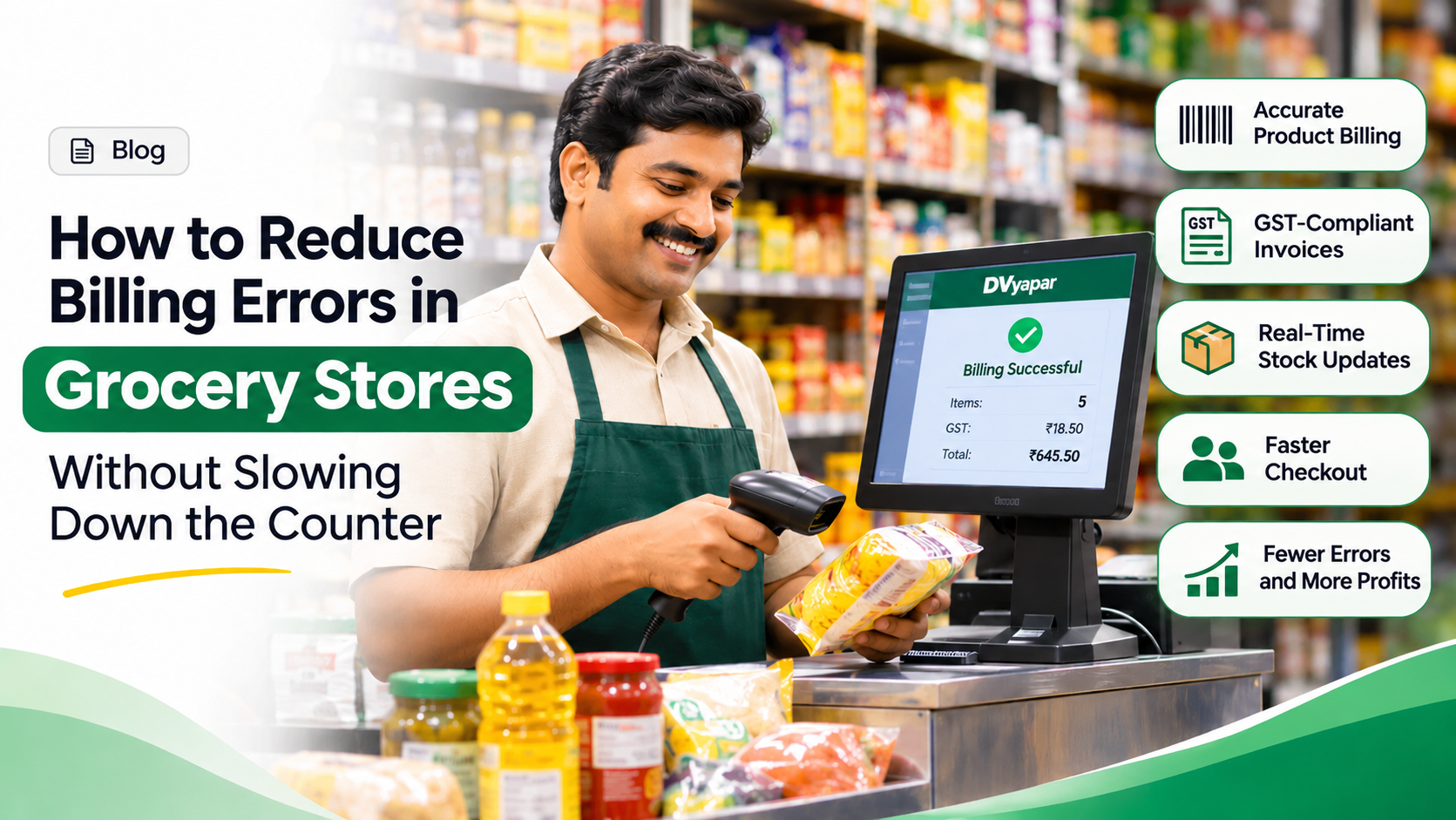
How to Reduce Billing Errors in Grocery Stores Without Slowing Down the Counter
Billing errors in grocery stores can lead to incorrect invoices, customer complaints, stock mismatches and lost revenue. The best way to reduce these mistakes is to maintain accurate product records, standardize billing procedures, configure GST correctly and use reliable POS billing software. With the right process, grocery stores can improve billing accuracy without making customers wait longer at the checkout counter.
For kirana stores, supermarkets and neighbourhood grocery shops in India, billing accuracy is essential for smooth daily operations. Even small mistakes in product quantity, selling price, discounts or tax calculations can create problems when managing hundreds of transactions every day.
In this guide, let's understand why grocery billing errors happen and how shop owners can prevent them.
Quick Answer: How Can Grocery Stores Prevent Billing Errors?
Grocery stores can reduce billing errors by following these practices:
1. Maintain an updated product master with correct names, prices and units. 2. Configure applicable GST rates for products correctly. 3. Use POS billing software instead of relying entirely on manual calculations. 4. Train employees to verify product quantities and prices. 5. Standardize discount and return procedures. 6. Reconcile daily sales and cash collections. 7. Review billing corrections to identify recurring mistakes.
These practices help improve checkout accuracy while keeping the billing process simple and efficient.
1. Why Do Billing Errors Happen in Grocery Stores?
Grocery stores handle different products, package sizes, selling prices and tax categories. During busy hours, employees must process transactions quickly, which increases the possibility of mistakes.
Here are some common causes.
Incorrect product selection
Products with similar names or packaging can easily be confused. For example, an employee might select a 1-litre cooking oil product instead of a 500-ml pack.
Wrong quantity entry
Entering 5 units instead of 2 units can significantly change the invoice total.
Outdated selling prices
When suppliers revise product prices, outdated prices in the billing system can result in incorrect customer bills.
Incorrect GST configuration
Incorrect product tax settings can result in inaccurate tax calculations and GST invoices.
Manual discount calculations
Employees may enter incorrect discounts or apply offers inconsistently, particularly during busy periods.
Unrecorded sales and returns
When sales or returned products are not recorded correctly, the store's sales records and inventory may become inaccurate.
Understanding these causes is the first step towards preventing billing mistakes.
2. Maintain an Accurate Product Master
A well-maintained product database is the foundation of accurate grocery billing.
Every product should have the correct information before it is made available for billing.
| Product information | Why it matters |
|---|---|
| Product name | Prevents selecting the wrong item |
| Product category | Helps organize products |
| Selling price | Prevents price mismatches |
| Purchase price | Helps maintain purchase records |
| Unit of measurement | Avoids quantity confusion |
| GST rate | Supports correct tax calculations |
| Stock quantity | Helps monitor inventory |
For example, a grocery shop selling different sizes of rice bags should maintain separate product records for 5 kg, 10 kg and 25 kg packs.
**Practical tip:** Review your product list whenever suppliers change prices or introduce new packaging sizes.
3. Use POS Billing Software Instead of Manual Calculations
Manual billing becomes increasingly difficult when a grocery shop handles many customers throughout the day.
A POS billing system can simplify the process by allowing employees to select saved products, enter quantities and generate invoices with calculated totals.
A good grocery billing workflow should support:
- Product selection from the existing catalogue.
- Automatic subtotal calculations.
- Configured GST calculations.
- Discount entry and invoice adjustments.
- Multiple billing counters.
- Digital invoice generation.
- Sales record maintenance.
This reduces dependence on handwritten calculations and repeated manual entries.
However, software alone cannot eliminate every mistake. Product information and employee practices must also remain accurate.
4. Configure GST Rates Correctly
GST configuration is an important part of grocery billing in India.
Different grocery products may have different GST treatments. Some products may be exempt, while others may attract different applicable rates.
Shop owners should ensure that:
- Each product has the appropriate tax classification.
- Applicable GST rates are configured correctly.
- Product tax settings are reviewed when tax rules change.
- Invoices display the applicable tax details correctly.
- Sales records are periodically reviewed.
For accurate GST treatment, refer to the latest applicable GST notifications and official GST resources rather than relying on outdated product lists.
**Important:** Incorrect GST configuration can affect invoice accuracy and tax reporting.
5. Train Employees to Follow a Standard Billing Process
Even with billing software, employees need a consistent process.
A simple checkout procedure can prevent many common mistakes.
**Recommended grocery billing workflow:**
1. Select the correct product. 2. Confirm the product size or variant. 3. Enter the correct quantity. 4. Verify the selling price. 5. Apply authorized discounts, if applicable. 6. Review the invoice total. 7. Confirm payment and complete the transaction. 8. Share or print the invoice for the customer.
Training employees to follow the same steps reduces confusion, particularly when different staff members operate different counters.
6. Review Sales Returns and Billing Corrections
Billing mistakes should not simply be corrected and forgotten.
Shop owners should review recurring billing corrections to understand why they happen.
For example:
| Common correction | Possible reason |
|---|---|
| Product price correction | Outdated product prices |
| Quantity correction | Incorrect quantity entry |
| Tax correction | Incorrect GST configuration |
| Discount correction | Employee misunderstanding |
| Product return | Incorrect product or customer selection |
Reviewing these corrections weekly can help identify training requirements and problems in the product database.
7. Monitor Daily Sales and Inventory
Billing accuracy also affects inventory management.
When products are sold through the billing system, corresponding stock records should be updated appropriately.
Shop owners should regularly review:
- Daily sales reports.
- Product-wise sales.
- Current stock quantities.
- Purchase and sales records.
- Returned products.
- Stock differences.
For example, if a store's physical stock does not match its recorded stock, the owner should investigate possible unrecorded sales, incorrect quantities, purchase-entry mistakes or returns.
Daily reconciliation helps identify discrepancies before they become larger problems.
8. How Does DVyapar Help Grocery Stores Improve Billing Accuracy?
DVyapar is cloud-based billing, GST invoicing and inventory management software designed for Indian retail businesses, including grocery and kirana stores.
It brings important daily shop operations together in one platform.
Product and inventory management
Maintain product records, selling prices, purchase information and stock details in one place.
POS billing
Create customer invoices using saved product records and calculated invoice totals.
GST billing
Generate GST invoices with configured tax calculations and applicable invoice details.
Multiple billing counters
Support multiple concurrent POS counters so employees can handle customer billing operations efficiently.
Sales and business reports
Review sales activity, stock movement and business performance through reports.
WhatsApp invoice sharing
Share invoices digitally with customers through WhatsApp.
By bringing billing, inventory and reporting together, DVyapar helps grocery shop owners maintain better visibility over their daily operations.
9. Grocery Store Billing Accuracy Checklist
Use this checklist to review whether your grocery store is following the right billing practices.
- [ ] Product names and variants are correctly maintained.
- [ ] Selling prices are regularly updated.
- [ ] Product units and quantities are verified.
- [ ] Applicable GST rates are configured correctly.
- [ ] Employees follow a standard billing procedure.
- [ ] Discounts are entered consistently.
- [ ] Sales returns and corrections are recorded.
- [ ] Daily sales reports are reviewed.
- [ ] Inventory discrepancies are investigated.
- [ ] Billing staff receive regular training.
Consistent use of this checklist can help grocery stores reduce avoidable billing mistakes.
Frequently Asked Questions
1. What are the most common billing mistakes in grocery stores?
Common mistakes include incorrect product selection, wrong quantities, outdated selling prices, incorrect discounts, inaccurate GST configuration and unrecorded sales returns.
2. How can a kirana store improve billing accuracy?
A kirana store can improve billing accuracy by maintaining an updated product database, using POS billing software, training employees and reviewing daily sales records.
3. Can POS billing software reduce grocery billing errors?
Yes. POS software can reduce manual calculations and repetitive data entry by using saved product information and automatic invoice calculations. However, accurate product configuration and employee verification are still important.
4. Why is inventory management important for grocery billing?
Inventory management helps shop owners monitor stock movement and identify differences between recorded and physical stock. Accurate sales and purchase entries are essential for maintaining reliable inventory records.
5. Is GST billing software useful for grocery shops?
Yes. GST billing software helps grocery shops generate invoices with configured tax calculations and maintain organized sales records. Shop owners should ensure that product tax classifications are correct.
6. Which billing software can grocery stores use in India?
Grocery stores can evaluate billing software based on POS functionality, GST invoicing, inventory tracking, reporting, ease of use and pricing. DVyapar provides billing, inventory and business management features for Indian retail businesses.
Final Thoughts
Reducing billing errors in a grocery store does not mean making the checkout process more complicated.
The key is to maintain accurate product information, establish a consistent billing workflow, train employees and review daily business records.
With the right combination of employee practices and POS billing software, grocery shop owners can improve billing accuracy, reduce avoidable mistakes and provide a smoother checkout experience.
**Looking for a simpler way to manage your grocery store?**
Explore DVyapar for billing, GST invoicing, inventory tracking and sales reporting.
FAQs
Frequently asked questions about Dvyapar
These answers stay the same across the site so readers get a clear product overview wherever they land.
Is DVyapar's online GST billing software suitable for small businesses?
Yes. DVyapar is built for retailers, wholesalers, distributors, and service businesses of all sizes. Its intuitive interface makes it easy for anyone to start using without technical expertise.
Why choose DVyapar over other GST billing software?
DVyapar focuses on simplicity, speed, and affordability. It combines billing, inventory, GST compliance, customer management, and business reporting into one easy-to-use platform, making it one of the best GST billing software in India for growing businesses.
Can I create GST invoices on DVyapar ?
Yes. DVyapar is one of the best GST bill invoice software. It lets you generate accurate GST-compliant invoices with automatic tax calculations in just a few clicks. In addition, you do not require any technical knowledge to learn it.
Can DVyapar help me manage inventory and purchases?
Yes, DVyapar's bill generator software can help you manage inventory and purchases easily. Every sale and purchase automatically updates your inventory, helping you maintain accurate stock levels and simplify inventory management.
Is DVyapar a cloud-based GST billing software?
Yes. As a secure online GST billing software, DVyapar allows you to access your business from anywhere without installing software. You can login with our credentials on the web or phone and access all the records and reports.
Do I need technical knowledge to use DVyapar?
No, you do not require any technical knowledge. DVyapar is built with simplicity in mind, making it easy for anyone to use. Its intuitive interface allows you to create invoices, manage inventory, and handle daily business operations.
Can I use Dvyapar on a phone?
Yes. The product is made to be usable on phone and desktop, so staff can work the way that suits the store best.
Can I share bills with customers?
Yes. You can print bills or share them digitally, including through common customer follow-up flows such as WhatsApp.
How do I get started?
Register here: https://app.dvyapar.com/register. Create your account, explore the product, and book a demo if you want help setting it up.
Is there a free trial?
Yes. You can start with a trial, try the main workflow, and see if it fits your shop before you move ahead.
How does pricing work?
Pricing is kept simple so you can compare the plan that matches your store size, billing counter, and support needs.
Can I manage multiple stores?
Yes. Dvyapar can support stores that want to keep more than one counter or location in a single view.
Does Dvyapar show reports?
Yes. You can check sales, stock movement, and daily business activity so the owner can review the store quickly.
Can I get help after signup?
Yes. You can book a demo or reach the team for setup help so the first day feels easier.