
Billing software · Karnataka
Billing & Inventory Software in Hassan
DVyapar helps Hassan businesses create GST-ready invoices, record purchases, manage product stock and review sales from one connected business workflow.
DVyapar is business software available to businesses in Hassan; this page does not represent a local office.
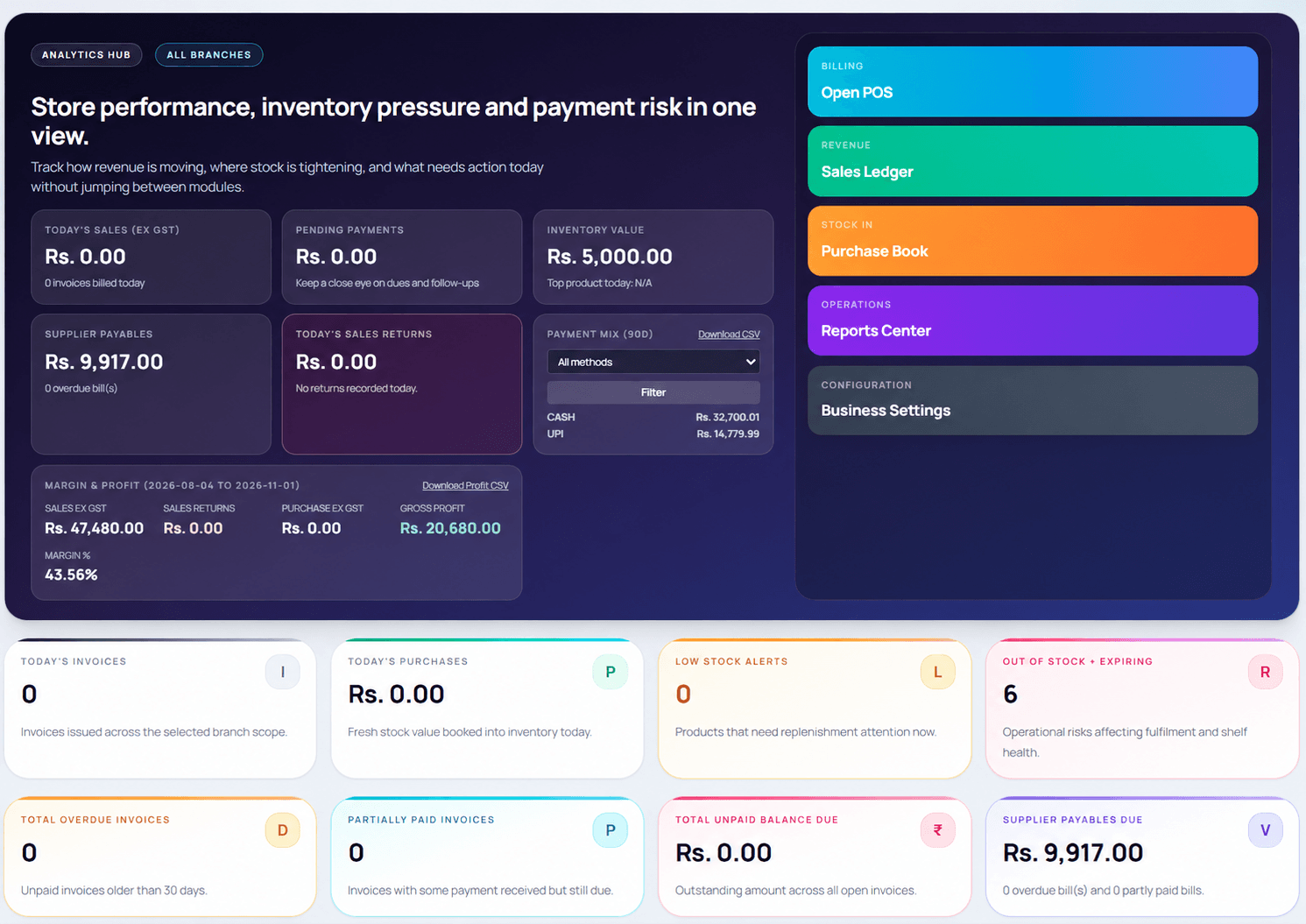
DVyapar dashboard · product interface
Local business context
Everyday workflows for Hassan businesses
Hassan serves as a district centre for surrounding towns and trading communities. Shops with varied product ranges can tie their purchase entries to stock records and customer invoices for a clearer day-end view.
- Maintain product, price and tax details for repeat billing.
- Record purchases and review available quantities.
- Use sales reports and customer records for reconciliation.
One connected workflow
Tools for daily business operations in Hassan
Replace disconnected billing, purchase and stock notes with product records your team can review together.
GST and POS billing
Create itemized invoices with saved product and tax details; share a bill digitally or print it.
Explore featureInventory and purchases
Record supplier purchases and keep product quantities connected to sales activity.
Explore featureBarcode billing
Use product lookup to make counter billing more efficient when your catalogue supports barcode workflows.
Explore featureRetail POS
Connect checkout activity with stock and sales records for a clearer retail workflow.
Explore featureLocal fit
Business types to explore in Hassan
DVyapar's product workflows can support businesses that sell products or services and need organised billing and records.
Getting started
Set up your business workflow
- 1Register for a DVyapar account.
- 2Enter your business information and choose the relevant business type.
- 3Add products or services with prices and tax details.
- 4Set billing preferences, then create invoices and record purchases.
- 5Review stock, customer balances and sales reports as your team works.
Questions and answers
Billing software questions for Hassan
Product details apply to the DVyapar workflow, wherever your business operates.
How can a Hassan shop connect billing with stock?
DVyapar records sales and product quantities in the same workflow. Add products, prices and tax details, then create invoices as you bill customers.
Can I record supplier purchases for my business in Hassan?
Yes. Purchase management lets you record supplier purchases and keep stock records up to date. Check the product workflow during a trial to confirm it fits your process.
Can DVyapar create GST invoices and share them digitally?
DVyapar supports GST-ready billing and invoice sharing through WhatsApp, print or PDF. Keep your business and tax settings accurate for your situation.
What is a DVyapar workflow for general stores in Hassan?
A team in this business can set up its product list, record purchases, bill customers and review stock and sales in DVyapar. Try the workflow with your own catalogue before deciding.
How do I start using DVyapar in Hassan?
Register for the 7-day free trial, enter your business details, add products or services, set billing preferences and create your first invoice. You can also book a guided demo.
Related locations
Explore nearby city pages
Compare local business workflows in nearby markets.
Ready to simplify your business in Hassan?
Manage billing, inventory and daily business operations with DVyapar.
Built for retail billing, stock, and reporting • Fast setup for busy Indian businesses • Retail-first onboarding with premium UX