
Billing software · Karnataka
Billing & Inventory Software in Davangere
DVyapar helps Davangere businesses create GST-ready invoices, record purchases, manage product stock and review sales from one connected business workflow.
DVyapar is business software available to businesses in Davangere; this page does not represent a local office.
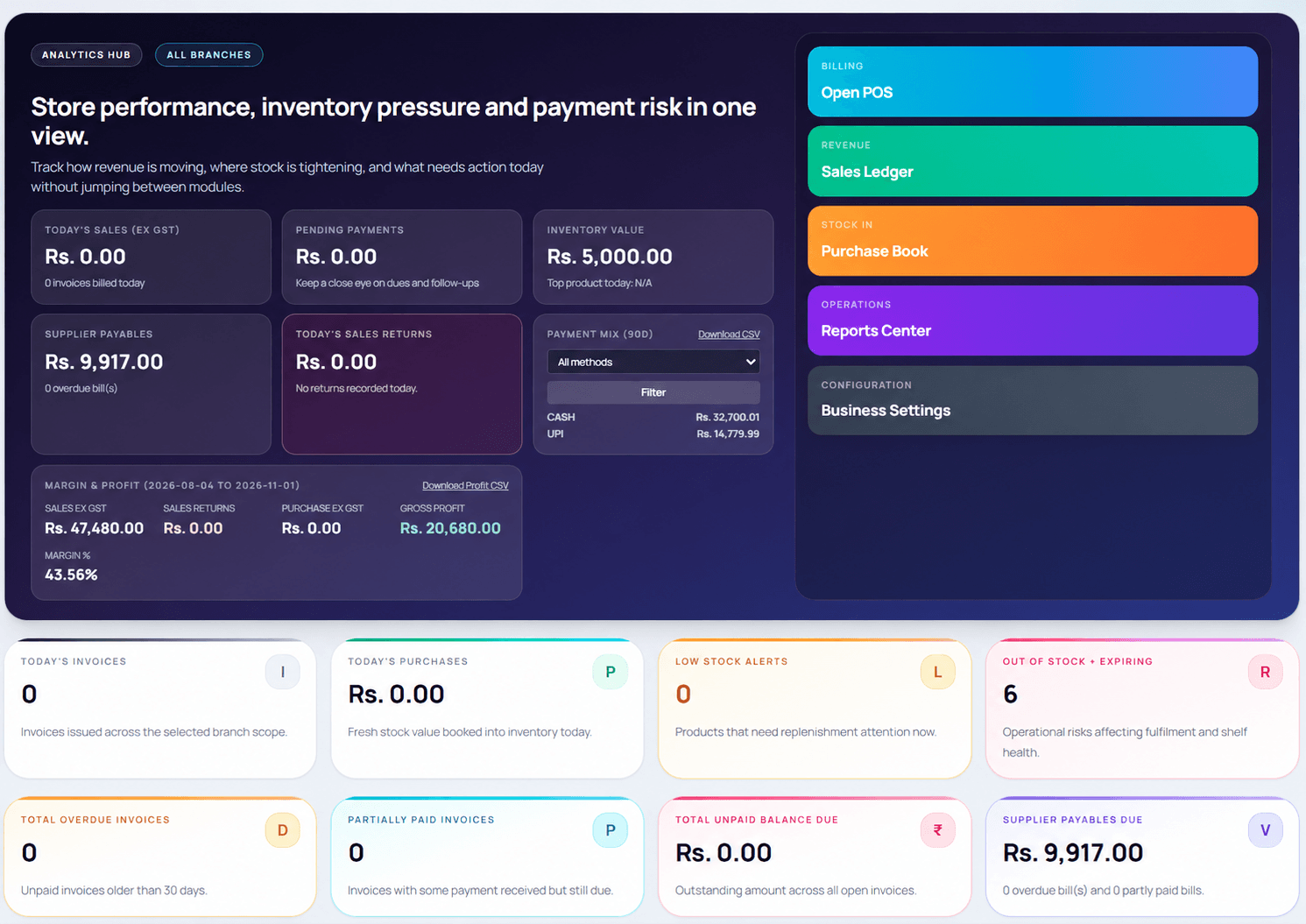
DVyapar dashboard · product interface
Local business context
Everyday workflows for Davangere businesses
Davangere is a commercial centre in central Karnataka, serving surrounding communities as well as city customers. A practical setup for local shops connects counter billing with purchasing, inventory and daily reporting.
- Create GST bills and maintain sales records.
- Log purchases before updating shelf stock.
- Check customer balances and daily totals.
One connected workflow
Tools for daily business operations in Davangere
Replace disconnected billing, purchase and stock notes with product records your team can review together.
GST and POS billing
Create itemized invoices with saved product and tax details; share a bill digitally or print it.
Explore featureInventory and purchases
Record supplier purchases and keep product quantities connected to sales activity.
Explore featureBarcode billing
Use product lookup to make counter billing more efficient when your catalogue supports barcode workflows.
Explore featureRetail POS
Connect checkout activity with stock and sales records for a clearer retail workflow.
Explore featureLocal fit
Business types to explore in Davangere
DVyapar's product workflows can support businesses that sell products or services and need organised billing and records.
Getting started
Set up your business workflow
- 1Register for a DVyapar account.
- 2Enter your business information and choose the relevant business type.
- 3Add products or services with prices and tax details.
- 4Set billing preferences, then create invoices and record purchases.
- 5Review stock, customer balances and sales reports as your team works.
Questions and answers
Billing software questions for Davangere
Product details apply to the DVyapar workflow, wherever your business operates.
How can a Davangere shop connect billing with stock?
DVyapar records sales and product quantities in the same workflow. Add products, prices and tax details, then create invoices as you bill customers.
Can I record supplier purchases for my business in Davangere?
Yes. Purchase management lets you record supplier purchases and keep stock records up to date. Check the product workflow during a trial to confirm it fits your process.
Can DVyapar create GST invoices and share them digitally?
DVyapar supports GST-ready billing and invoice sharing through WhatsApp, print or PDF. Keep your business and tax settings accurate for your situation.
What is a DVyapar workflow for general retailers in Davangere?
A team in this business can set up its product list, record purchases, bill customers and review stock and sales in DVyapar. Try the workflow with your own catalogue before deciding.
How do I start using DVyapar in Davangere?
Register for the 7-day free trial, enter your business details, add products or services, set billing preferences and create your first invoice. You can also book a guided demo.
Related locations
Explore nearby city pages
Compare local business workflows in nearby markets.
Ready to simplify your business in Davangere?
Manage billing, inventory and daily business operations with DVyapar.
Built for retail billing, stock, and reporting • Fast setup for busy Indian businesses • Retail-first onboarding with premium UX