GST Billing Software for Small Retail Shops in India in 2026
Discover the essential features to look for in GST billing software for small retail shops in India in 2026, including inventory, reporting, and fast billing.
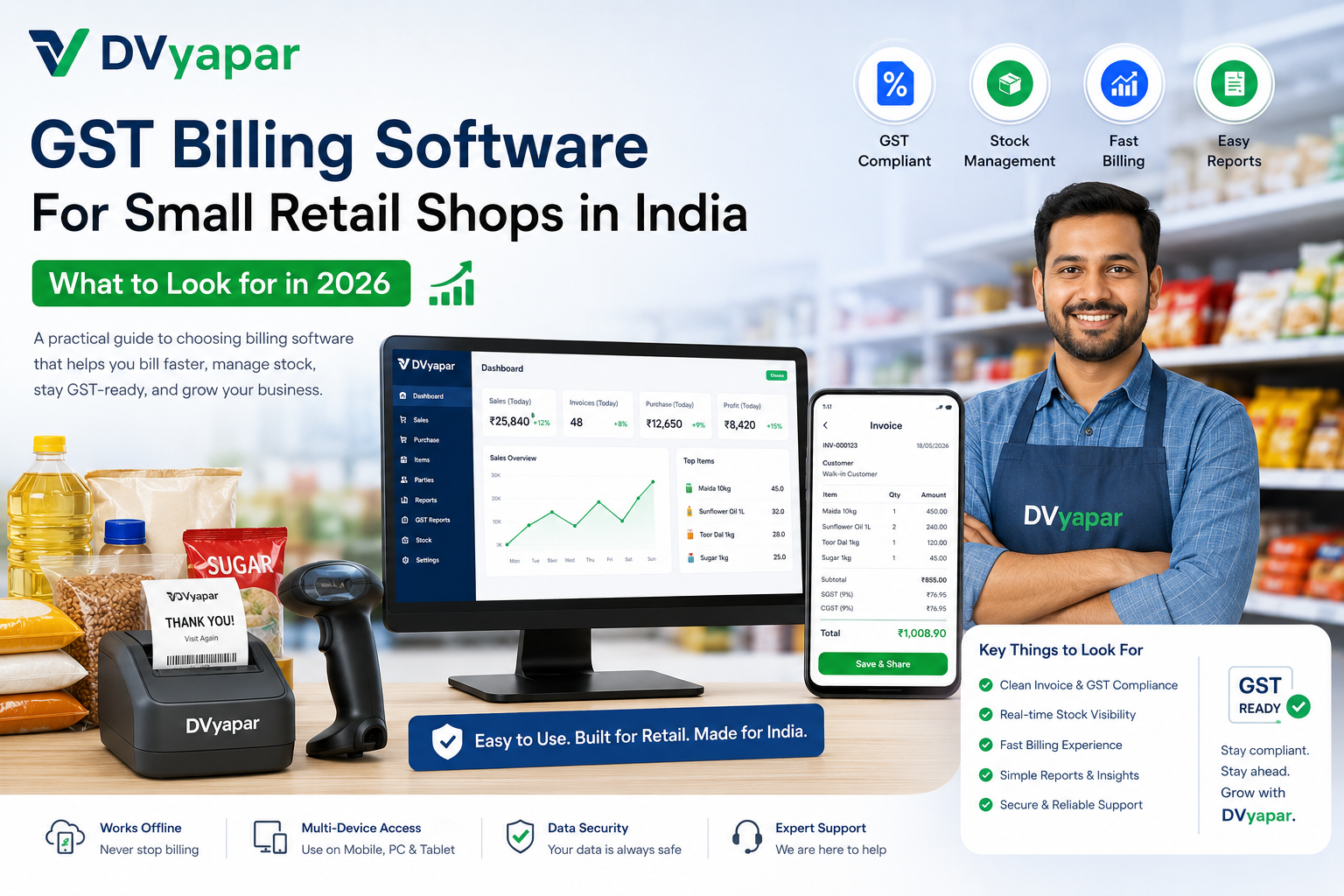
GST Billing Software for Small Retail Shops in India: What to Look for in 2026
Running a retail shop in India has become more demanding than ever. Customers expect quick billing, digital payment options, accurate invoices, and a smooth checkout experience. At the same time, shop owners need to manage GST compliance, inventory, daily sales, and business reports without spending hours on manual work.
This is where GST billing software becomes essential.
Whether you run a kirana store, grocery shop, mobile store, pharmacy, fashion outlet, hardware store, or general retail business, the right billing software can save time, reduce errors, and improve profitability.
In this guide, we'll explore the most important features to look for when choosing GST billing software for your retail shop in 2026.
Why Small Retail Shops Need GST Billing Software
Manual billing and spreadsheets often lead to:
- Incorrect GST calculations
- Slow checkout times
- Stock mismatches
- Missing sales records
- Difficulty preparing GST reports
Modern retail billing software automates these processes and helps shop owners focus on growing their business rather than managing paperwork.
Industry experts continue to highlight GST compliance, inventory management, fast billing, and reporting as the most critical capabilities for small retailers choosing software in 2026.
1. Fast and Simple Billing Process
A billing system should make sales faster, not slower.
Look for software that offers:
- Quick invoice generation
- Barcode scanning support
- Product search shortcuts
- Multiple payment methods
- Thermal printer compatibility
The fewer clicks required to create an invoice, the better the customer experience at the counter.
2. Accurate GST Compliance
GST compliance remains one of the most important requirements for Indian businesses.
Your software should automatically:
- Calculate CGST, SGST, and IGST
- Generate GST-compliant invoices
- Maintain tax records
- Create GST reports
- Reduce manual calculation errors
Automated GST calculations help minimize mistakes and simplify tax management.
3. Real-Time Inventory Management
Inventory visibility is crucial for retail businesses.
Good billing software should allow you to:
- Track stock levels automatically
- Receive low-stock alerts
- Monitor fast-moving products
- Manage product categories
- View stock valuation reports
Inventory management integrated with billing helps prevent stock-outs and excess inventory. Modern retail solutions increasingly combine billing and inventory in a single platform.
4. Easy Product and Customer Management
Retail stores often handle hundreds or thousands of products.
Choose software that enables:
- Product categorization
- Barcode management
- Customer profiles
- Purchase history tracking
- Credit and outstanding payment records
This information helps improve customer service and makes repeat transactions faster.
5. Offline Billing Capability
Internet disruptions still occur in many locations.
A reliable retail billing system should continue working even when connectivity is unavailable.
Offline billing ensures:
- Uninterrupted sales
- Continuous invoice generation
- Secure data storage
- Automatic synchronization when internet returns
Offline functionality remains a key requirement for many Indian retail businesses.
6. Business Reports That Are Easy to Understand
Reports help business owners make better decisions.
Your software should provide:
- Daily sales reports
- Profit analysis
- Product-wise performance
- GST summaries
- Stock reports
The best systems present information clearly so that owners can quickly understand business performance without accounting expertise.
7. Multi-Device Accessibility
Retail businesses increasingly operate across multiple devices.
Look for software that supports:
- Desktop computers
- Android devices
- Tablets
- Cloud backups
Multi-device access allows owners to monitor operations even when away from the shop.
8. Data Security and Backup
Business data is valuable.
Your billing software should include:
- Automatic backups
- Secure cloud storage
- User access controls
- Data recovery options
A single hardware failure should never result in the loss of sales or inventory records.
9. Scalability for Future Growth
Your software should grow with your business.
As your store expands, you may need:
- Additional users
- Multiple counters
- Larger inventories
- Multiple locations
- Advanced reporting
Choosing scalable software today helps avoid costly migrations later.
10. Ease of Training for Staff
A complex system can reduce productivity.
Before purchasing software, ask:
- Can a new cashier learn it quickly?
- Is the interface simple?
- Are common actions easy to perform?
- Is support available when needed?
The easier the software is to learn, the faster your team can become productive.
Key Checklist Before Choosing GST Billing Software
Before making a decision, ensure the software provides:
✓ GST-compliant invoicing ✓ Fast billing workflow ✓ Inventory tracking ✓ Offline billing support ✓ Barcode scanning ✓ Business reports ✓ Multi-device access ✓ Data backup and security ✓ Customer management ✓ Easy staff training
Why Many Retailers Choose DVyapar
DVyapar is designed specifically for Indian retail businesses that need a simple, practical, and efficient billing solution.
Key benefits include:
- GST-compliant billing
- Inventory management
- Fast invoice generation
- Easy-to-understand reports
- Multi-device accessibility
- Retail-focused workflow
- Simple onboarding for new staff
The goal is to help small retailers spend less time managing operations and more time growing their business.
Final Thoughts
The best GST billing software is not necessarily the one with the most features. It is the one that makes daily retail operations easier.
In 2026, small retail shops should prioritize speed, GST compliance, inventory visibility, reporting, and ease of use. A well-designed billing system can improve customer service, reduce operational mistakes, and provide better control over business performance.
Before making a decision, evaluate how the software handles your day-to-day workflow and whether it helps your team complete tasks faster and more accurately.
Choosing the right billing software today can become a long-term advantage for your retail business.
FAQs
Frequently asked questions about Dvyapar
These answers stay the same across the site so readers get a clear product overview wherever they land.
Is DVyapar's online GST billing software suitable for small businesses?
Yes. DVyapar is built for retailers, wholesalers, distributors, and service businesses of all sizes. Its intuitive interface makes it easy for anyone to start using without technical expertise.
Why choose DVyapar over other GST billing software?
DVyapar focuses on simplicity, speed, and affordability. It combines billing, inventory, GST compliance, customer management, and business reporting into one easy-to-use platform, making it one of the best GST billing software in India for growing businesses.
Can I create GST invoices on DVyapar ?
Yes. DVyapar is one of the best GST bill invoice software. It lets you generate accurate GST-compliant invoices with automatic tax calculations in just a few clicks. In addition, you do not require any technical knowledge to learn it.
Can DVyapar help me manage inventory and purchases?
Yes, DVyapar's bill generator software can help you manage inventory and purchases easily. Every sale and purchase automatically updates your inventory, helping you maintain accurate stock levels and simplify inventory management.
Is DVyapar a cloud-based GST billing software?
Yes. As a secure online GST billing software, DVyapar allows you to access your business from anywhere without installing software. You can login with our credentials on the web or phone and access all the records and reports.
Do I need technical knowledge to use DVyapar?
No, you do not require any technical knowledge. DVyapar is built with simplicity in mind, making it easy for anyone to use. Its intuitive interface allows you to create invoices, manage inventory, and handle daily business operations.
Can I use Dvyapar on a phone?
Yes. The product is made to be usable on phone and desktop, so staff can work the way that suits the store best.
Can I share bills with customers?
Yes. You can print bills or share them digitally, including through common customer follow-up flows such as WhatsApp.
How do I get started?
Register here: https://app.dvyapar.com/register. Create your account, explore the product, and book a demo if you want help setting it up.
Is there a free trial?
Yes. You can start with a trial, try the main workflow, and see if it fits your shop before you move ahead.
How does pricing work?
Pricing is kept simple so you can compare the plan that matches your store size, billing counter, and support needs.
Can I manage multiple stores?
Yes. Dvyapar can support stores that want to keep more than one counter or location in a single view.
Does Dvyapar show reports?
Yes. You can check sales, stock movement, and daily business activity so the owner can review the store quickly.
Can I get help after signup?
Yes. You can book a demo or reach the team for setup help so the first day feels easier.