How to Choose the Best GST Billing Software in India
Learn how to choose the best GST billing software in India based on GST compliance, invoicing, inventory, reports, security, pricing and business needs.
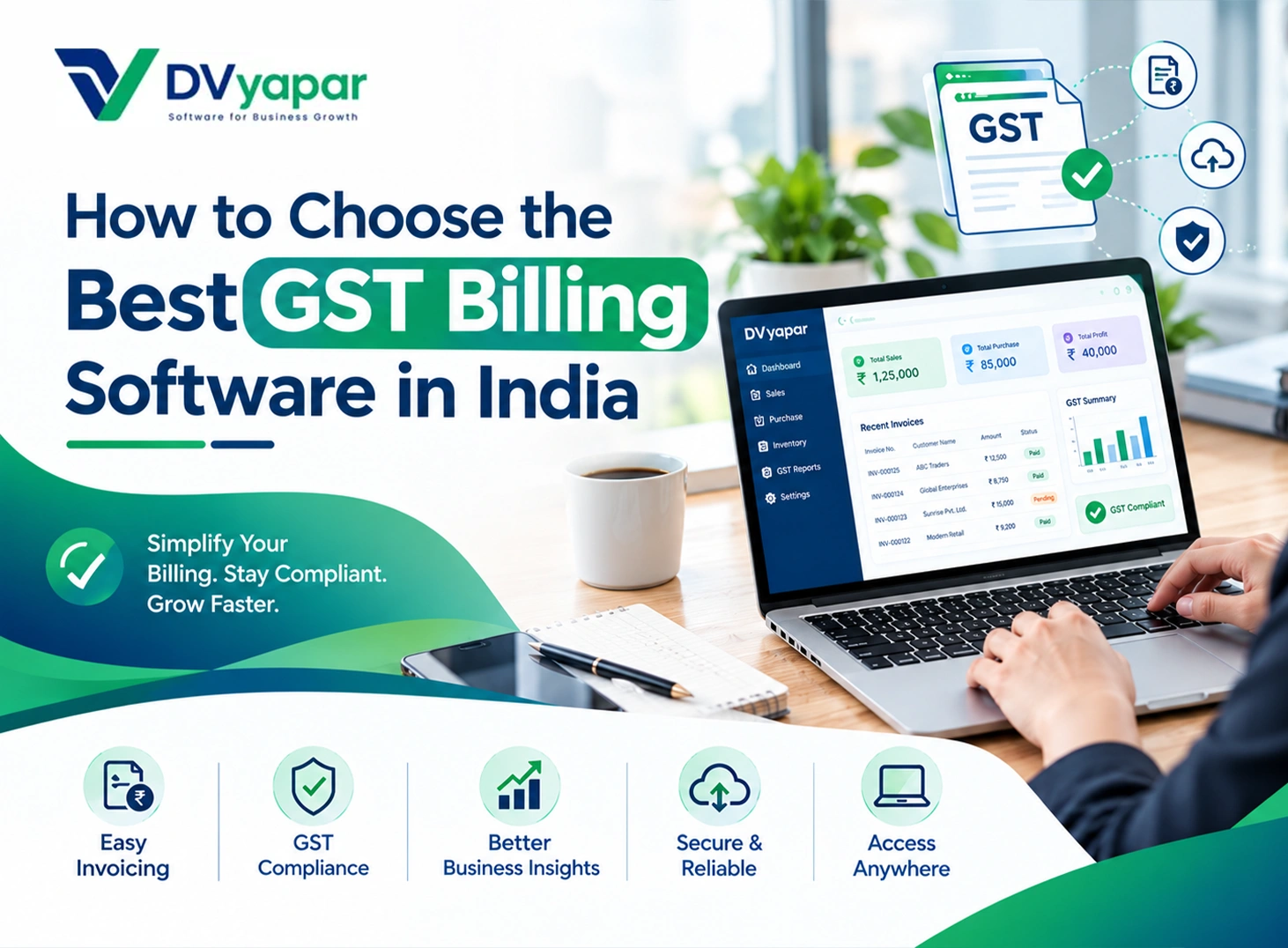
Options can be overwhelming when there are so many software solutions to solve your GST billing issues. Your ideal solution will depend on your business type, billing volume, and your requirement. You should choose the one which will make your billing process quick while catering to your GST needs on a daily basis. It should integrate your billing process with your inventory, payment, and reports.
The right software solution will take care of all of the above aspects without hampering your sales process. You must consider other factors like access from multiple devices, number of users, security, and future considerations. Follow this guide to evaluate the key considerations while selecting GST billing software in India.
##What Makes GST Billing Software Right for Your Business?
The best GST billing software should match your workflow rather than offer features you never use. Start by understanding your business type, transaction volume and GST requirements.
A retailer may need billing software for retail shop that offers fast billing and stock control. Likewise, a service business may focus more on invoices and payments. Further, a distributor may need stronger inventory and accounting controls. Before comparing software, define these requirements: Number of invoices you create each month Number of products or services you sell Number of users who need access Inventory management requirements E-invoicing or e-way bill requirements Mobile or remote access needs Accounting and reporting requirements This approach helps you compare software on business value, not just feature count.
##How Does GST Compliance Affect Your Software Choice?
GST compliance should guide your billing software decision from the beginning. Your software should calculate applicable taxes and create invoices with required details. A GST invoice needs information such as GSTIN, invoice number, date, HSN code and tax details. Your software should handle: CGST, SGST and IGST calculations HSN and SAC codes GSTIN details Taxable value and tax amounts Discounts and applicable adjustments Place of supply for relevant transactions GST-compliant invoice formats You should also check how the software manages changing tax rates. This matters when you sell products or services under different GST rates. Accurate tax calculations can reduce manual work and help you avoid common billing mistakes.
##When Do You Need E-Invoicing and E-Way Bills?
Your software needs stronger GST features when your business falls under these requirements. E-invoicing, weekly billing reports, and e-way bills can add extra steps to your billing process. Suitable software can reduce this work by connecting these tasks with your invoices. Choose software that supports these processes when applicable: E-invoicing: Check for IRN generation and QR code support. E-way bills: Check whether you can generate bills from transaction data. GST reconciliation: Look for purchase and tax-data matching features. Compliance reports: Check whether you can export relevant GST data. The official e-way bill system generally requires an e-way bill for eligible consignments above ₹50,000. However, specific rules can vary based on the transaction and applicable GST provisions. Check the latest government requirements before relying on any software setting.
##Which Billing Features Matter for Daily Sales?
Daily billing requires speed, accuracy and a simple workflow. You should be able to Prepare GST Invoices quickly without needing advanced accounting knowledge. Look for features that make routine billing tasks easier: Product search during billing Saved customer details Reusable invoice templates Automatic tax calculations Multiple payment modes Invoice sharing Payment status tracking Credit sales management These features matter when you handle many customers each day. A slow billing process can create queues and increase manual work. A simple interface also reduces training time for your staff. As a result, your team can handle regular billing with fewer interruptions. How Important Are Inventory and Purchase Controls? Inventory features matter when you sell physical products. Your stock management software should connect sales with stock movement instead of treating them separately. A useful inventory system can help you track: Current stock levels Product purchases Sales quantities Low-stock items Customer returns Supplier transactions Multiple storage locations For example, a retailer may need stock updates after every sale. A distributor may need separate stock visibility for different locations. Use an Inventory Management Checklist to review the features you actually need, and choose inventory tools according to your operation. You should not pay for complex warehouse tools when you manage limited stock.
##Should You Choose Cloud or Desktop GST Software?
Your work environment should guide the cloud-versus-desktop decision. Cloud software suits businesses that need access from different locations or devices, particularly when using mobile billing software for flexible billing. Desktop software can work well when you mainly bill from one system. It can also suit businesses with limited internet access. Choose cloud software when you need: Remote access Multiple users Branch-level access Automatic data syncing Access from different devices Choose desktop software when you prefer: Local data access A fixed billing location Less dependence on internet connectivity Traditional desktop workflows You should also check backup options before choosing either model. Reliable backups can help you recover billing records after technical problems or data loss. What Reports Should GST Billing Software Provide? Good reporting turns billing data into useful business information. Your software should provide reports that support your daily financial decisions. Useful reports can support Retail Sales Tracking and provide information such as: Sales by date Sales by product Customer balances Purchase records Tax summaries Payment status Profit-related information Stock movement You should also check the available export options. Your accountant may need Excel, PDF or accounting-system compatible data. The goal is simple: your billing data should remain useful after creating an invoice. What Security and Support Should You Expect? GST billing software handles important business data, so security needs your attention. You should understand how the provider protects your records and manages account access. Look for: Regular data backups Secure login controls User permissions Data recovery options Clear privacy practices Reliable customer support Support also matters when billing problems occur during busy hours. Check the available support channels and response process before subscribing. Do not judge support only by the presence of a phone number. Instead, check whether the provider gives practical help when issues arise. How Should You Compare GST Billing Software Prices? Price should come after you understand your actual business requirements. A cheaper plan may cost more when you later add essential features.
Compare the total cost across: Subscription period Number of users Billing limits Inventory features GST compliance tools E-invoicing support Customer support Data backup Additional modules Also check whether the provider charges separately for upgrades or extra users. This gives you a clearer view of the software's long-term cost. You should compare the value you receive instead of choosing the lowest price. Which GST Billing Software Fits Different Businesses? Different businesses need different combinations of billing and accounting features. Your shortlist should reflect the way you handle sales, customers and stock.
FAQs
Frequently asked questions about Dvyapar
These answers stay the same across the site so readers get a clear product overview wherever they land.
Is DVyapar's online GST billing software suitable for small businesses?
Yes. DVyapar is built for retailers, wholesalers, distributors, and service businesses of all sizes. Its intuitive interface makes it easy for anyone to start using without technical expertise.
Why choose DVyapar over other GST billing software?
DVyapar focuses on simplicity, speed, and affordability. It combines billing, inventory, GST compliance, customer management, and business reporting into one easy-to-use platform, making it one of the best GST billing software in India for growing businesses.
Can I create GST invoices on DVyapar ?
Yes. DVyapar is one of the best GST bill invoice software. It lets you generate accurate GST-compliant invoices with automatic tax calculations in just a few clicks. In addition, you do not require any technical knowledge to learn it.
Can DVyapar help me manage inventory and purchases?
Yes, DVyapar's bill generator software can help you manage inventory and purchases easily. Every sale and purchase automatically updates your inventory, helping you maintain accurate stock levels and simplify inventory management.
Is DVyapar a cloud-based GST billing software?
Yes. As a secure online GST billing software, DVyapar allows you to access your business from anywhere without installing software. You can login with our credentials on the web or phone and access all the records and reports.
Do I need technical knowledge to use DVyapar?
No, you do not require any technical knowledge. DVyapar is built with simplicity in mind, making it easy for anyone to use. Its intuitive interface allows you to create invoices, manage inventory, and handle daily business operations.
Can I use Dvyapar on a phone?
Yes. The product is made to be usable on phone and desktop, so staff can work the way that suits the store best.
Can I share bills with customers?
Yes. You can print bills or share them digitally, including through common customer follow-up flows such as WhatsApp.
How do I get started?
Register here: https://app.dvyapar.com/register. Create your account, explore the product, and book a demo if you want help setting it up.
Is there a free trial?
Yes. You can start with a trial, try the main workflow, and see if it fits your shop before you move ahead.
How does pricing work?
Pricing is kept simple so you can compare the plan that matches your store size, billing counter, and support needs.
Can I manage multiple stores?
Yes. Dvyapar can support stores that want to keep more than one counter or location in a single view.
Does Dvyapar show reports?
Yes. You can check sales, stock movement, and daily business activity so the owner can review the store quickly.
Can I get help after signup?
Yes. You can book a demo or reach the team for setup help so the first day feels easier.